- Syntax-highlighted code editor: /editor's input pane is a CodeMirror 6 instance (@uiw/react-codemirror) with a dedicated codemirror-lang-mermaid grammar, so Mermaid keywords, node shapes, and arrows are highlighted instead of plain text.
- Live diagram preview: Mermaid syntax renders to SVG as you type, debounced ~300ms (useDebouncedValue) so every keystroke doesn't trigger a re-parse.
- Pannable, zoomable canvas: the preview supports scroll-to-zoom (cursor-anchored, clamped 0.2×–4×) and click-drag panning via pointer events, plus zoom-in/zoom-out/reset-view buttons and auto-centering on first render.
- Sample diagrams menu: a dropdown (SampleDiagramsMenu, shadcn DropdownMenu) swaps in ready-made flowchart, sequence, class, state, Gantt, and pie chart examples, checkmarking the active one and resetting the preview's pan/zoom.
- Export and copy actions: copy the current source to the clipboard, or download the rendered diagram as an .svg or a 2×-scaled .png (rasterized client-side via an offscreen <canvas>), plus a one-click reset back to the default sample.
- Resilient error handling: invalid syntax shows an inline error overlay but deliberately keeps the last successfully rendered diagram on screen instead of clearing it, so a mid-edit typo never blanks the preview.
- Theme-aware rendering: both Mermaid's own theme option (dark/default) and the CodeMirror theme (oneDark vs. light) are driven by the resolved app theme, with Mermaid's initialize() re-run alongside every render since it caches theme state per call rather than per render.
- Syntax cheatsheet: a /docs page with copy-ready examples for flowcharts, sequence diagrams, class diagrams, state diagrams, Gantt charts, and pie charts.
- Out-of-order render protection: the render effect guards against stale async mermaid.render() calls resolving after a newer one, using an ignore flag set in the effect cleanup.
- Next.js 16 (App Router): routing and app shell for /, /editor, and /docs.
- React 19: powers the client-side editor and preview components.
- TypeScript: type safety across the app.
- Tailwind CSS v4: utility-first styling throughout.
- shadcn/ui (base-ui style): Button and DropdownMenu primitives, built on @base-ui/react rather than Radix.
- CodeMirror 6 (@uiw/react-codemirror, codemirror-lang-mermaid, @codemirror/theme-one-dark): syntax-highlighted, theme-aware code editing for the diagram source.
- Mermaid: parses and renders diagram syntax to SVG entirely client-side.
- next-themes: light/dark theme switching.
- lucide-react: icon set used throughout the navbar and editor toolbar.
This Next.js version pins breaking API changes documented under its own node_modules/next/dist/docs/, and one of them surfaced immediately: next/dynamic(..., { ssr: false }) throws a build error inside a Server Component, working only inside a Client Component. Since Mermaid is a browser-only library, it's instead lazy-loaded via a plain import("mermaid") inside a useEffect, cached as a module-scoped promise so it's only fetched once regardless of how many times the editor re-renders.
Keeping the preview stable during invalid input took more care than expected — the natural implementation clears the SVG on any parse error, but that makes every incomplete edit (an unclosed bracket, a diagram still mid-typing) flash an empty preview. Splitting svg and error into separate state values, and only ever overwriting svg on a successful render, kept the last valid diagram visible while surfacing the error separately.
Mermaid's theming turned out to be stateful in a non-obvious way: calling mermaid.render() alone does not pick up a new theme — mermaid.initialize() has to be called again first, in the same effect run, whenever either the debounced code or the resolved theme changes.
Adding cursor-anchored zoom required tracking scale and pan as separate pieces of state and recomputing pan on every wheel event so the point under the cursor stays fixed — naively scaling around the container's center instead makes the diagram visibly jump on each scroll tick. Centering the diagram also needed an explicit "has this been centered yet" ref, since svg becoming non-null on first load and a sample-swap-triggered resetViewKey both need to re-center, but only the latter should fire after the initial mount.
Exporting a PNG from an SVG that was never attached to the DOM meant round-tripping through an Image element and an offscreen <canvas> (svgBlob → object URL → Image.onload → canvas.drawImage), since canvas.toBlob can't rasterize SVG markup directly — and object URLs had to be explicitly revoked in a finally block to avoid leaking them across repeated exports. This export path has a known, unfixed limitation: diagrams that render HTML text labels via <foreignObject> (Mermaid uses these for several diagram types, e.g. class diagrams) taint the canvas and make canvas.toBlob() throw — a browser security restriction on drawImage() with foreignObject content, not a bug in the export code itself. A real fix would mean stripping/rasterizing the foreignObject content beforehand, or disabling Mermaid's htmlLabels entirely (at the cost of text-wrapping quality).
The sample diagrams picker started life as a shadcn Select, not a DropdownMenu — base-ui's Select.Root<Value> can't infer its Value generic from an items prop typed any unless a controlled value/defaultValue is also passed, which collapsed the generic to {} and broke the onValueChange type. Switching to DropdownMenu sidestepped the inference problem entirely, at the cost of writing the "currently selected" checkmark and trigger label by hand instead of getting them from the primitive.
The preview's scroll-to-zoom also couldn't use React's onWheel prop — since React 17, the synthetic wheel handler is attached as a passive listener at the root, so event.preventDefault() inside an onWheel callback silently fails to stop the page from scrolling. The fix was a manual container.addEventListener("wheel", handler, { passive: false }) inside a useEffect, which is the only way to get an { passive: false } wheel listener in this Next.js/React version.
The base-ui-flavored shadcn/ui components used here differ from the more common Radix-based output — polymorphic rendering uses a render prop instead of asChild (e.g. <DropdownMenuTrigger render={<Button variant="outline" size="sm" />}>), and forgetting nativeButton={false} when swapping a Button for a non-button element produces an accessibility warning at runtime.
Mermaid Playground delivers a fast, dependency-light diagram editor with syntax-highlighted input, a pannable/zoomable preview, ready-made samples, and SVG/PNG export — going well beyond a plain textarea-to-SVG toy. Careful handling of async render ordering, error states, and view-reset logic means the editing experience stays smooth and predictable even with invalid or in-progress syntax, making it a genuinely useful, no-friction alternative to reaching for an external diagram tool.
This project demonstrates expertise in building high-performance frontend applications, designing developer-focused user experiences, and implementing browser-native solutions that balance functionality, security, and maintainability.Related projects
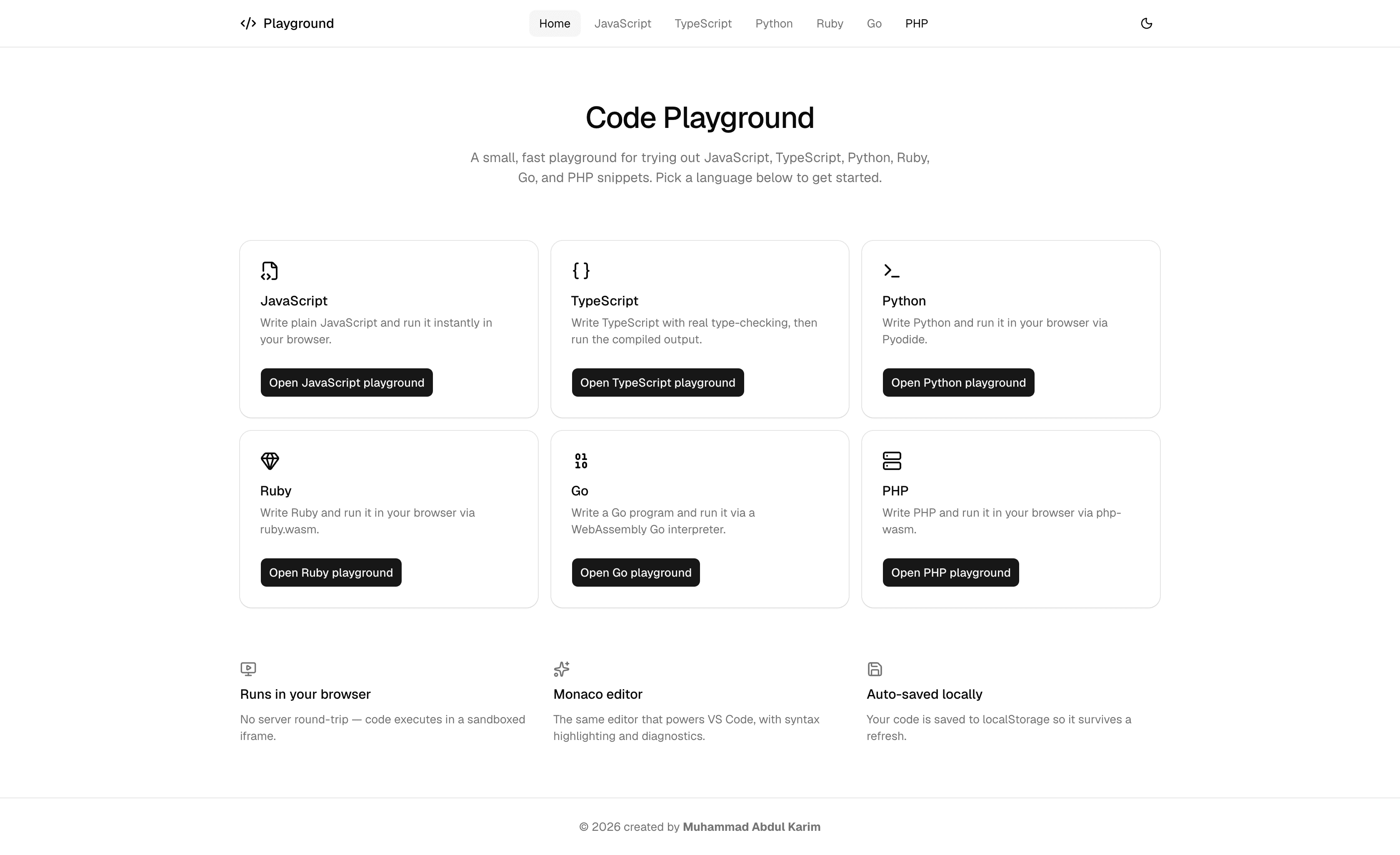
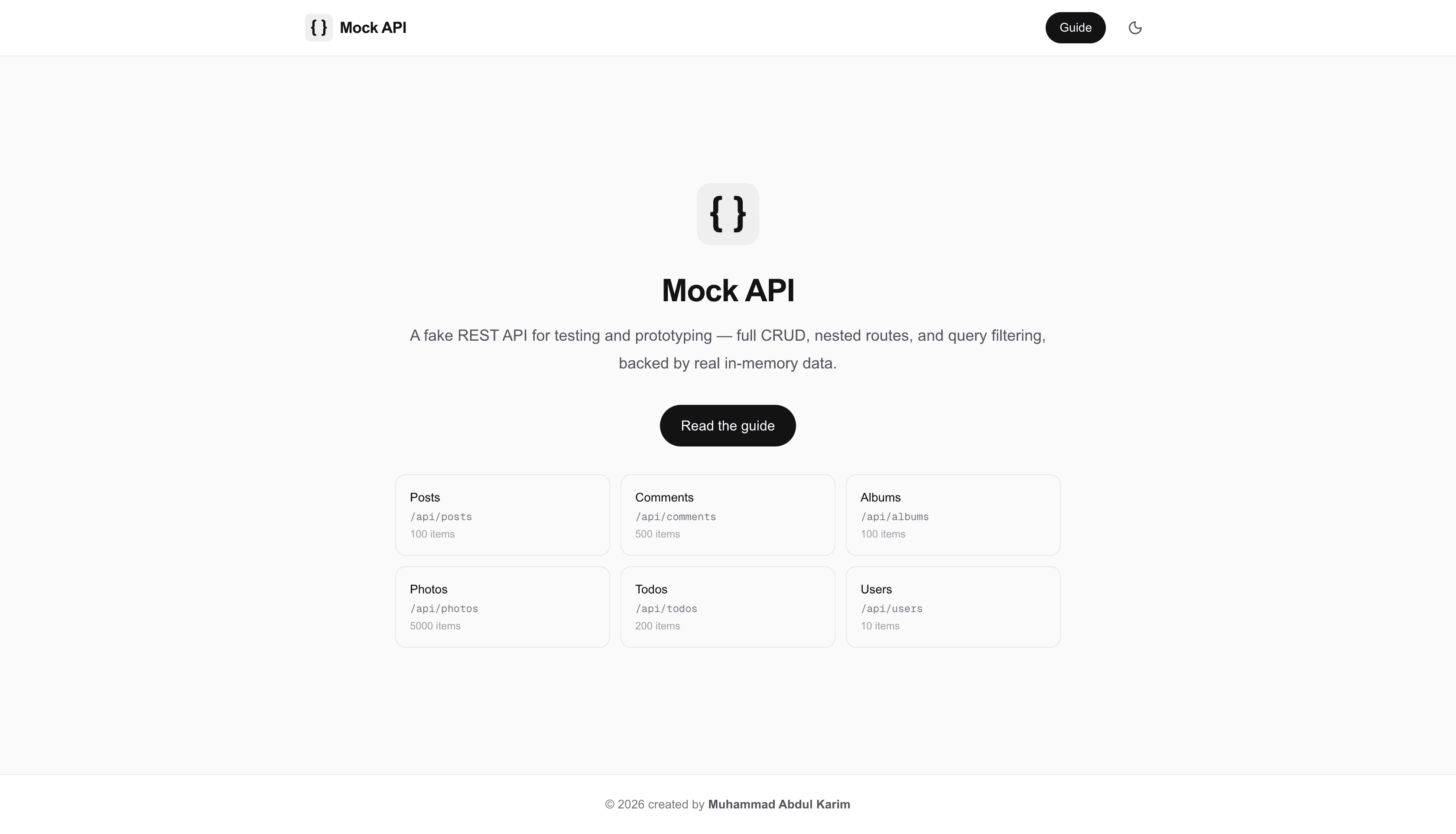
An in-browser playground for JavaScript, TypeScript, Python, Ruby, Go, and PHP A fake REST API for testing and prototyping frontend applications